

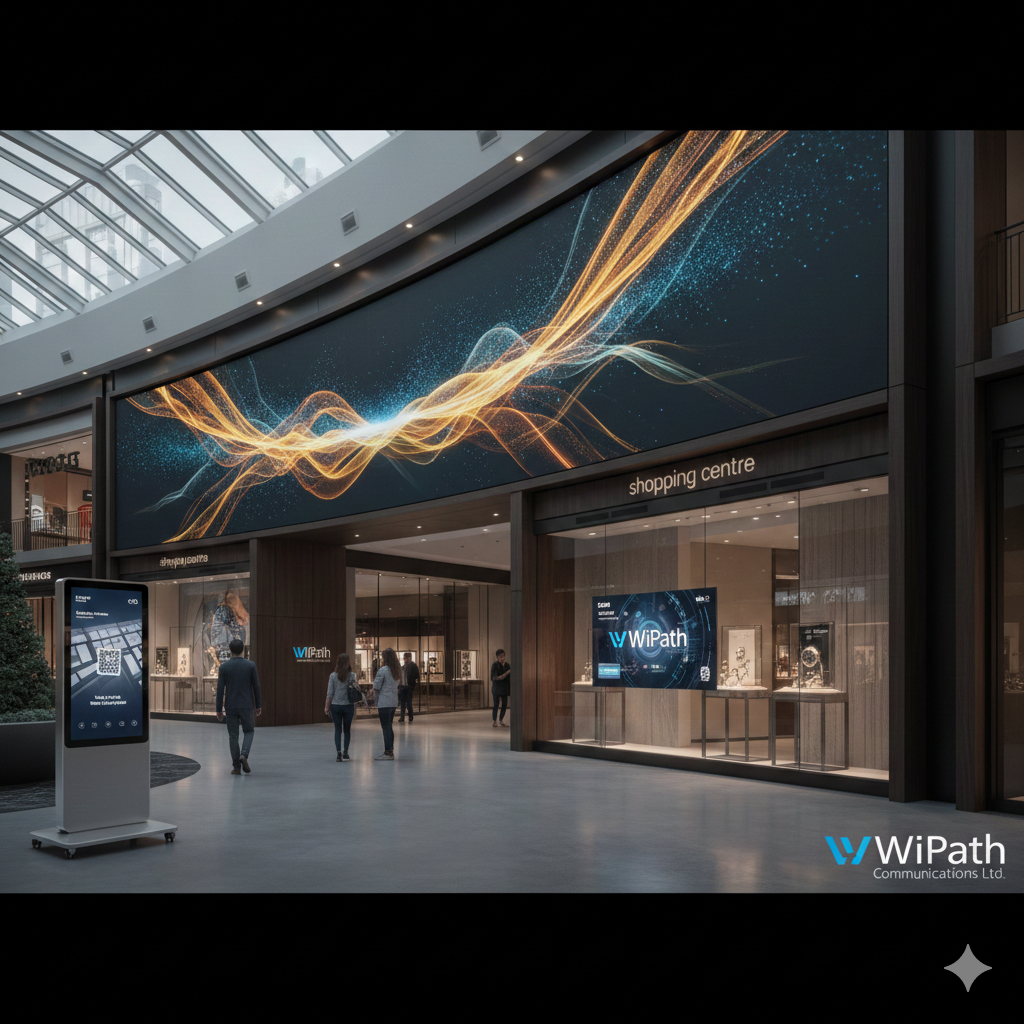
01 Jan The Ultimate Guide to Indoor LED Signage: 17 Critical Installation Mistakes to Avoid
In 2026, indoor digital displays are no longer just a trend—they are the backbone of modern commercial architecture. From the high-end retail boutiques of Bond Street to the corporate headquarters in the City of London, indoor LED signage has become the primary method for engaging customers and employees alike.
However, as the technology becomes more accessible, the number of poor-quality installations has skyrocketed. A poorly executed indoor digital signage project doesn’t just waste your budget; it actively harms your brand by appearing “glitchy” or unprofessional. If you are planning an installation, here are 17 common pitfalls to avoid to ensure your investment delivers maximum ROI.
1. The Brightness Paradox: Calibration vs. Comfort
One of the most frequent technical failures in indoor digital signage is the “set it and forget it” approach to brightness.
The Problem: In an indoor setting, light levels change. A display that looks vibrant at noon will be painfully bright for customers at 6:00 PM. This “glare” makes people look away rather than toward your message.
The Fix: Modern indoor digital displays should use light sensors (photocells) that talk to your controller. By 2026, AI-driven calibration is the standard—ensuring the “Nits” (luminance) adjust in real-time to match the room’s mood.
2. Miscalculating Pixel Pitch vs. Viewing Distance
Pixel pitch is the distance (in millimetres) between the centre of one LED and the next.
The Mistake: Businesses often try to save money by choosing a wider pixel pitch (e.g., $4mm$) for a space where customers stand very close. The result is a pixelated, blurry mess where you can see the individual red, green, and blue diodes.
The Fix: Use the Visual Acuity Formula. For an indoor display to appear “seamless,” the pixel pitch ($p$) should follow the viewing distance ($d$). A solid rule is $d (metres) \times 1000 = p (mm)$. If your customers are standing 1.5 metres away, you absolutely must invest in $P1.5$ or smaller.
3. Ignoring “Dead Pixel” Management
Nothing screams “low quality” like a black or flickering dot in the middle of a high-definition digital display.
The Mistake: Businesses often fail to negotiate a “spare parts” ratio or a pixel policy. LEDs are modular; eventually, a diode will fail. Without immediate replacements from the same manufacturing batch, your $50,000 display will have off-colour patches when you try to fix it later.
The Fix: Establish a maintenance agreement that includes 5-10% “batch-matched” spare modules kept on-site. This ensures that when a module is replaced, the colour and brightness match the rest of the wall perfectly.
4. Disregarding Viewing Angles
Unlike high-end TVs, many lower-grade indoor digital displays have limited viewing angles.
The Mistake: Placing a display in a long corridor or shopping centre walkway where people see it from an angle. If the panel technology is poor, the colours will shift or wash out as the customer approaches, losing the impact of your advertisement.
The Fix: Map out the “flow” of your foot traffic. Ensure the panel technology (like high-end SMD LEDs) supports a wide viewing angle—typically $160^\circ$ or higher—so the message stays vibrant from every corner of the room.
5. Poor Ventilation and Thermal Throttling
LEDs are semiconductors that generate a surprising amount of heat.
The Mistake: Architects often want to “recess” indoor LED signage flush into a wall. If you don’t build in a dedicated cooling channel or HVAC intake, the heat builds up behind the panels. This leads to “colour drifting,” component failure, and even fire hazards.
The Fix: Always leave at least 10cm of clearance behind the screen or install silent cooling fans. In 2026, the best systems are integrated into the building’s climate control.
6. Overlooking Refresh Rates and the “Flicker” Factor
In the era of social media, every customer is a photographer.
The Mistake: Using low-grade indoor LED signs with a $1920Hz$ refresh rate. To the human eye, it looks fine, but through a smartphone camera, the screen will appear to have black horizontal lines moving through it.
The Fix: Aim for a refresh rate of $3840Hz$ or higher. This ensures the display remains “camera-ready” and flicker-free for customers sharing photos of your store on Instagram or TikTok.
7. Content Ratio Mismatches (The “Black Bar” Problem)
The Mistake: Creating content in a standard $16:9$ ratio but installing a custom-sized LED wall that is square or ultra-wide. This results in stretched images or ugly black bars on the sides.
The Fix: Your content strategy must match your hardware’s native resolution. Always design your videos and graphics to the exact pixel dimensions of the display. If the wall is $2500 \times 1000$ pixels, the content must be rendered at exactly those dimensions.
8. Lack of a Cloud-Based Content Management System (CMS)
Buying the hardware is only half the battle.
The Mistake: Relying on a “USB Loop” or a media player that requires manual updates. If you have to walk to the screen with a memory stick to change a price, you don’t have a digital signage network; you have an expensive TV.
The Fix: Invest in a Cloud-Based CMS. This allows you to schedule programmes from any location, update pricing instantly, and monitor the “health” of the screens remotely.
9. Inadequate Power Infrastructure
High-end indoor digital displays pull a significant amount of “inrush current” when they are first switched on.
The Mistake: Plugging a massive video wall into a standard wall outlet shared with other appliances. This leads to tripped breakers and can damage the delicate power supply units inside the LEDs.
The Fix: Install a Power Sequencer. This turns the screen on in “zones” (e.g., Row 1, then Row 2) to manage the electrical load safely.
10. Neglecting “Front-Serviceable” Designs
The Mistake: Buying “rear-service” panels because they are slightly cheaper. If your screen is mounted against a wall, a technician will have to take the entire installation down just to fix one tiny module in the centre.
The Fix: Always specify Vacuum-Tool Front Access. This allows a module to be “popped” out from the front in seconds, keeping your display running with zero downtime.
11. Ignoring Aesthetic Integration
The Mistake: Treating the display as an afterthought. Many businesses hang a screen with visible wires, ugly silver brackets, and bulky frames that clash with the interior design.
The Fix: Work with an interior designer to “frame” the indoor digital displays. Use matte-black bezels or custom millwork to hide the edges. In 2026, the trend is “Digital Architecture”—where the screen feels like a natural extension of the wall.
12. Poor Content Hierarchy and “Visual Noise”
The Mistake: Trying to show too much information at once. We often see menu boards with 50 items in tiny fonts or flashing icons that are distracting rather than helpful.
The Fix: Follow the 3-5-7 Rule. A viewer should understand the “hook” in 3 seconds, the “details” in 5 seconds, and the “Call to Action” (like a QR code) in 7 seconds.
13. Security Vulnerabilities (The “Hacking” Risk)
The Mistake: Leaving your media player on an unsecured, guest Wi-Fi network. Hackers love “hijacking” public displays to show unauthorized or inappropriate content.
The Fix: Use a Dedicated VLAN (Virtual Local Area Network) for your indoor LED signage. Ensure your CMS uses end-to-end encryption and that all default passwords are changed immediately upon installation.
14. Gloss vs. Matte: The Glare Factor
The Mistake: Installing a high-gloss, glass-fronted display directly opposite a large window or a bright light fixture in a shopping centre.
The Fix: For areas with high ambient light, choose matte-finish LED masks. This diffuses reflections and keeps the colours deep and saturated even under bright spotlights.
15. Static Content Burn-In
While LED technology is more robust than old Plasma screens, “differential ageing” is still a risk.
The Mistake: Keeping a bright white logo in the exact same spot for 24 hours a day. Over time, those specific LEDs will dim faster than the rest of the screen, leaving a permanent “ghost” image.
The Fix: Use Pixel Shifting. Have your logos or static elements subtly move by a few pixels every few minutes. It’s invisible to the eye but ensures your indoor LED signs age evenly.
16. Overcomplicating the Message
The Mistake: Using indoor digital displays to tell your entire company history.
The Reality: Indoor signage is a “glance” medium. If you can’t get the point across in the time it takes someone to walk past, you’ve lost them.
The Fix: One message per slide. Use large, high-contrast fonts and minimal text. Let the visuals do the heavy lifting.
17. Failing to Define ROI and KPIs
The Mistake: Installing indoor LED signage just because “everyone else has it,” without a plan to measure success.
The Fix: Set clear goals before you buy. Are you trying to increase the “upsell” of a specific product? Are you trying to reduce the “perceived wait time” in a queue? Link your CMS to your sales data to see if the screens are actually driving revenue.
Conclusion: The Future is Bright (and Calibrated)
When implemented correctly, indoor digital displays are the most powerful communication tool in your arsenal. By avoiding these 17 mistakes, you shift from simply “owning a screen” to owning a sophisticated, revenue-generating platform. Focus on the viewer’s experience—their eye level, their viewing angle, and their limited time. In the competitive world of 2026, your indoor LED signage needs to be as smart as it is beautiful.
Final Thoughts
Navigating the complexities of indoor digital signage requires a partner who understands the intersection of hardware engineering and communication strategy.
For those looking for a seamless transition into the world of digital displays, WiPath Communications Ltd stands as a global leader with over 30 years of expertise. Specialising in bespoke indoor LED signage and intelligent messaging solutions, they provide the end-to-end support—from initial R&D and design to professional installation—that ensures your project avoids these common pitfalls. Whether you are outfitting a school, a hospital, or a flagship retail centre, WiPath’s commitment to quality and innovation makes them an ideal partner for your next digital transformation.
Sorry, the comment form is closed at this time.